
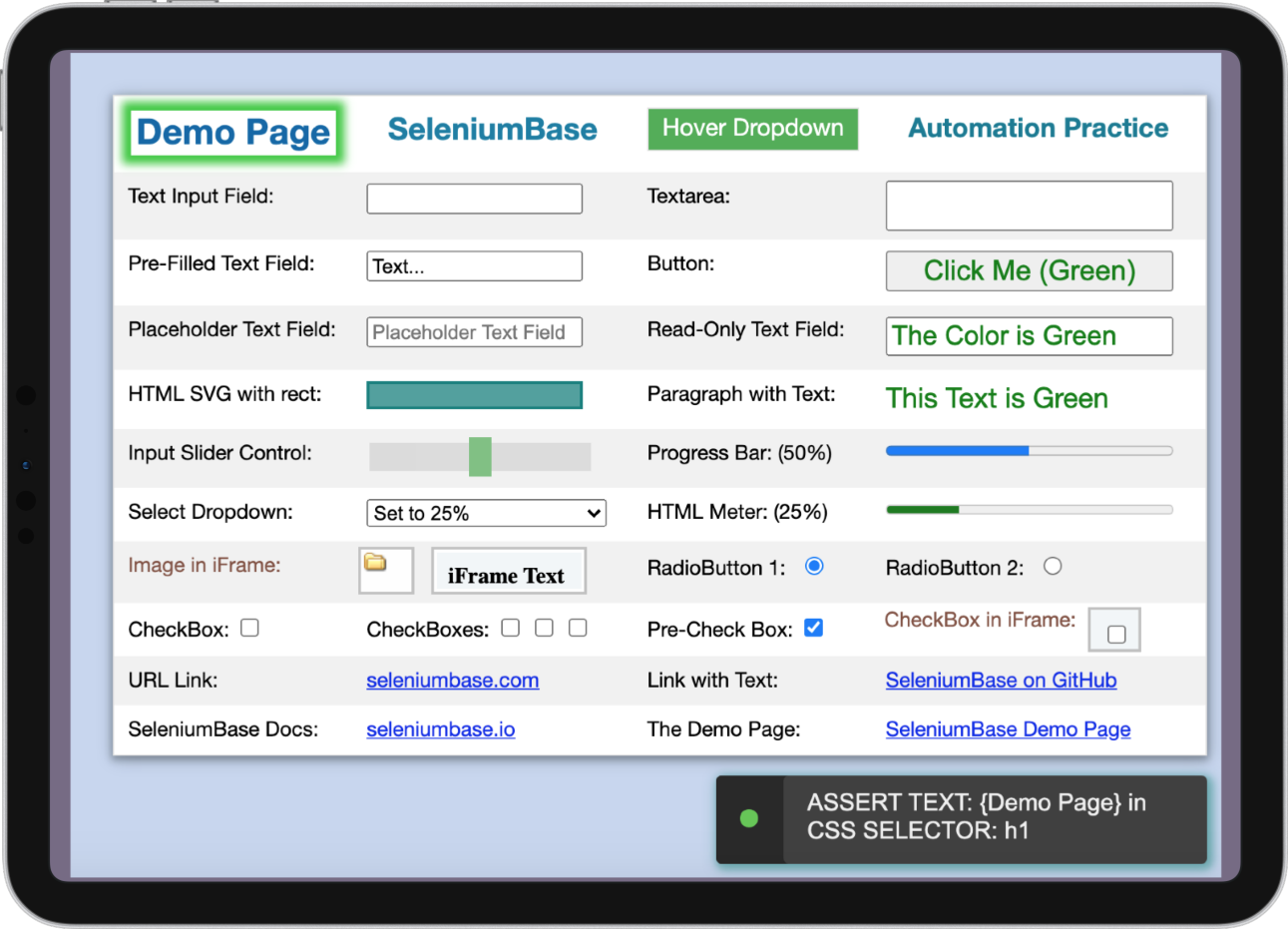
- SeleniumBase tests are run with pytest.
- Chrome is the default browser if not specified.
- Tests are structured using 25 unique syntax formats.
- Logs from test failures are saved to
./latest_logs/. - Tests can be run with multiple command-line options.
- Examples can be found in: SeleniumBase/examples/.
(NOTE: Some example tests fail on purpose to demonstrate logging features.)

Run an example test: (Default option: --chrome)
pytest my_first_test.py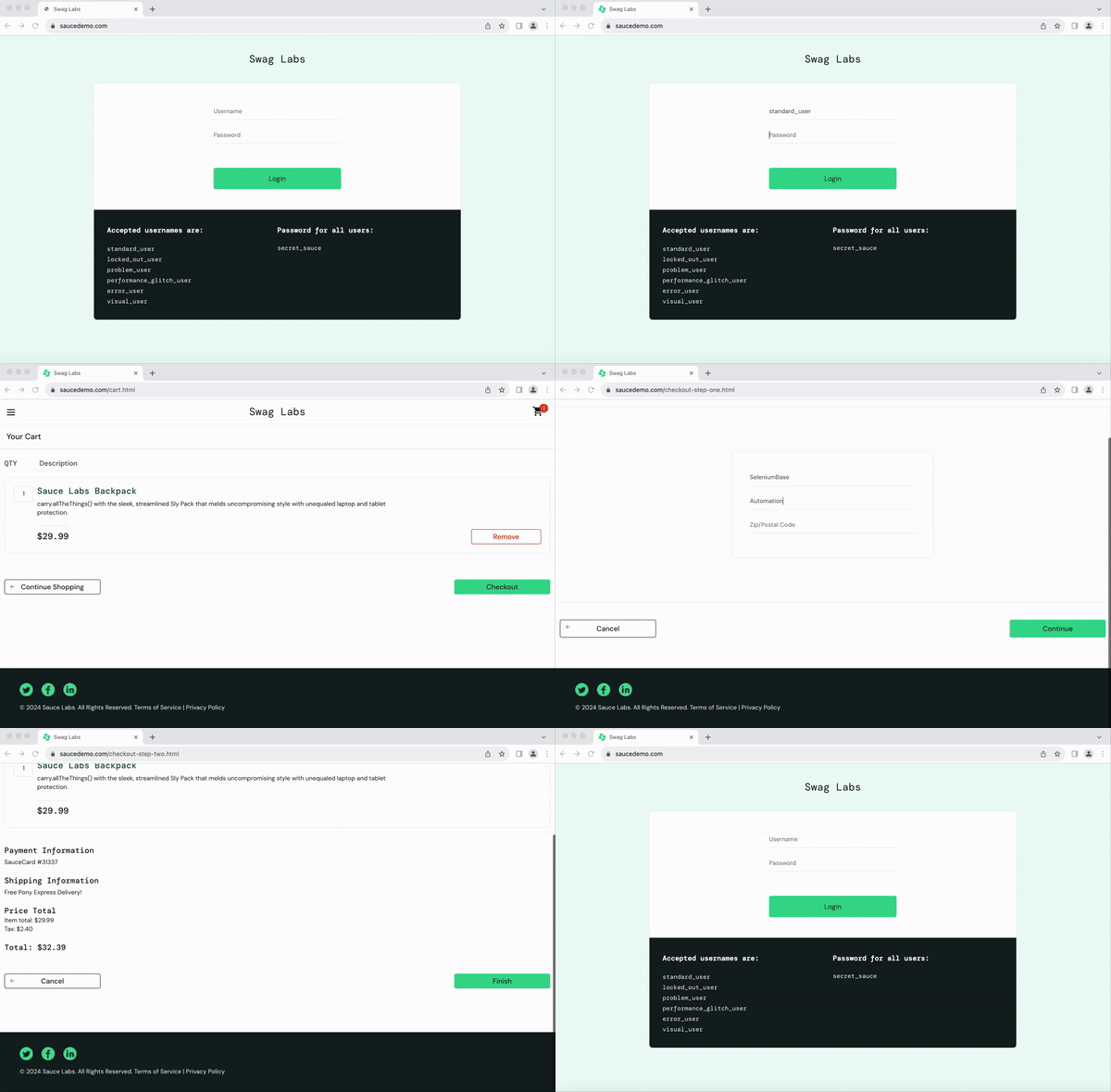
Here's one way of changing the browser to Firefox:
pytest my_first_test.py --firefoxAnother example test for a web page that has lots of different HTML items:
pytest test_demo_site.py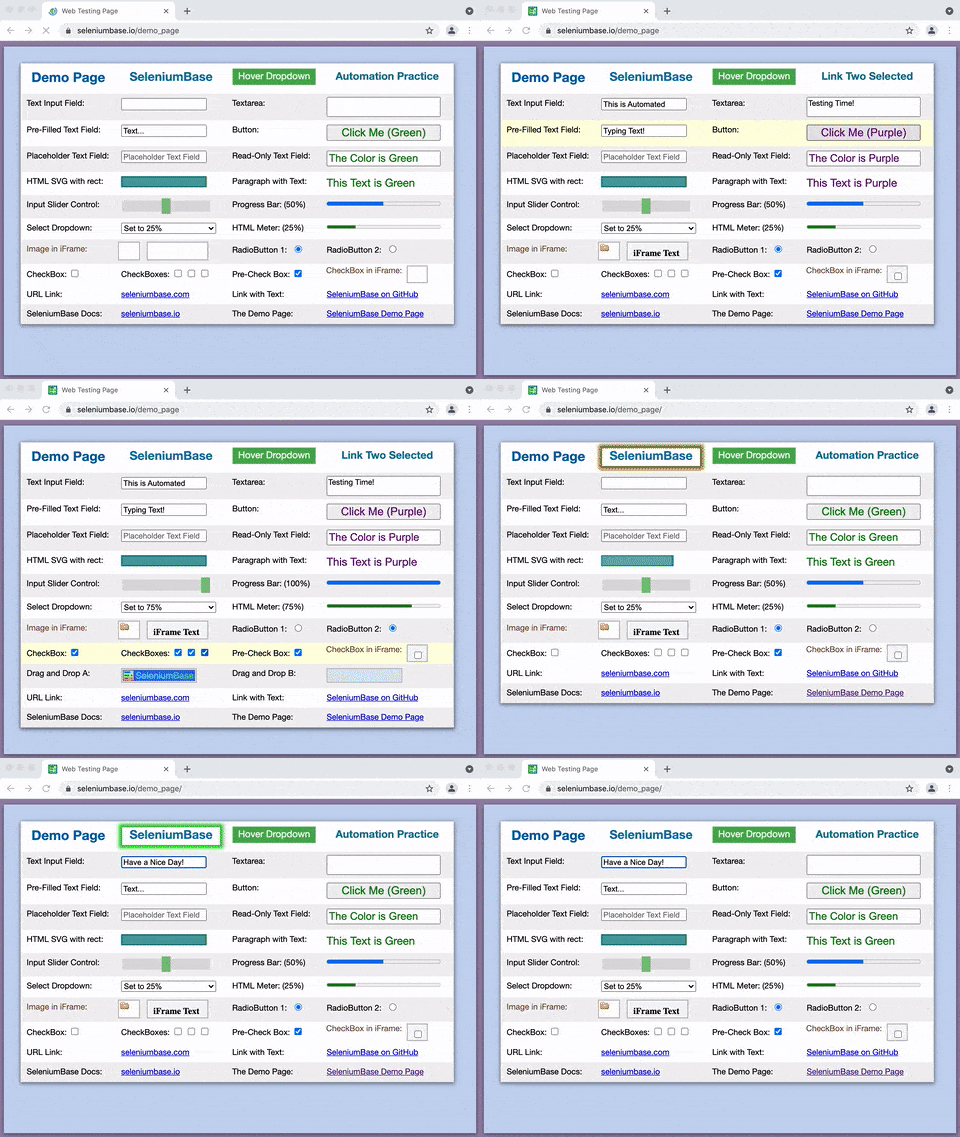
Run an example test in --demo mode: (highlight assertions)
pytest test_swag_labs.py --demo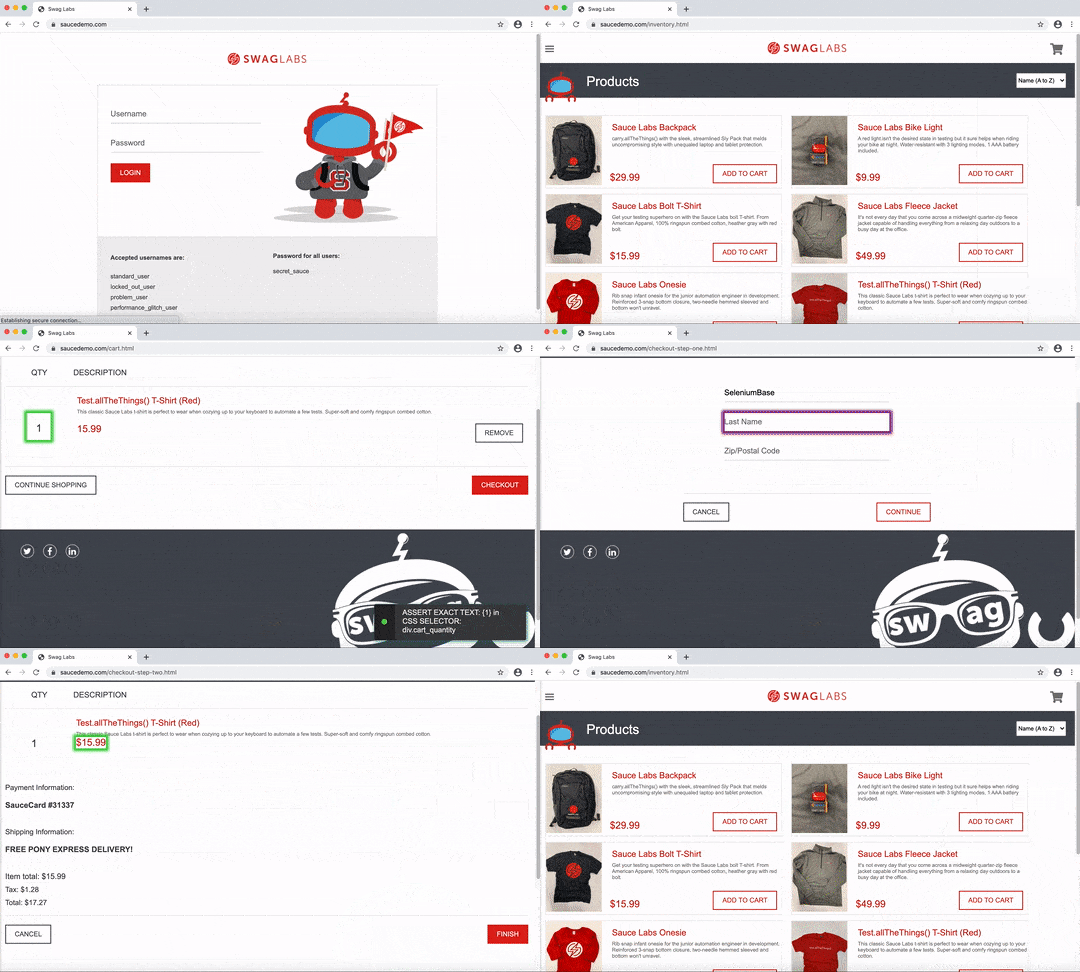
Run test_coffee_cart.py to test the Coffee Cart app:
pytest test_coffee_cart.py --demo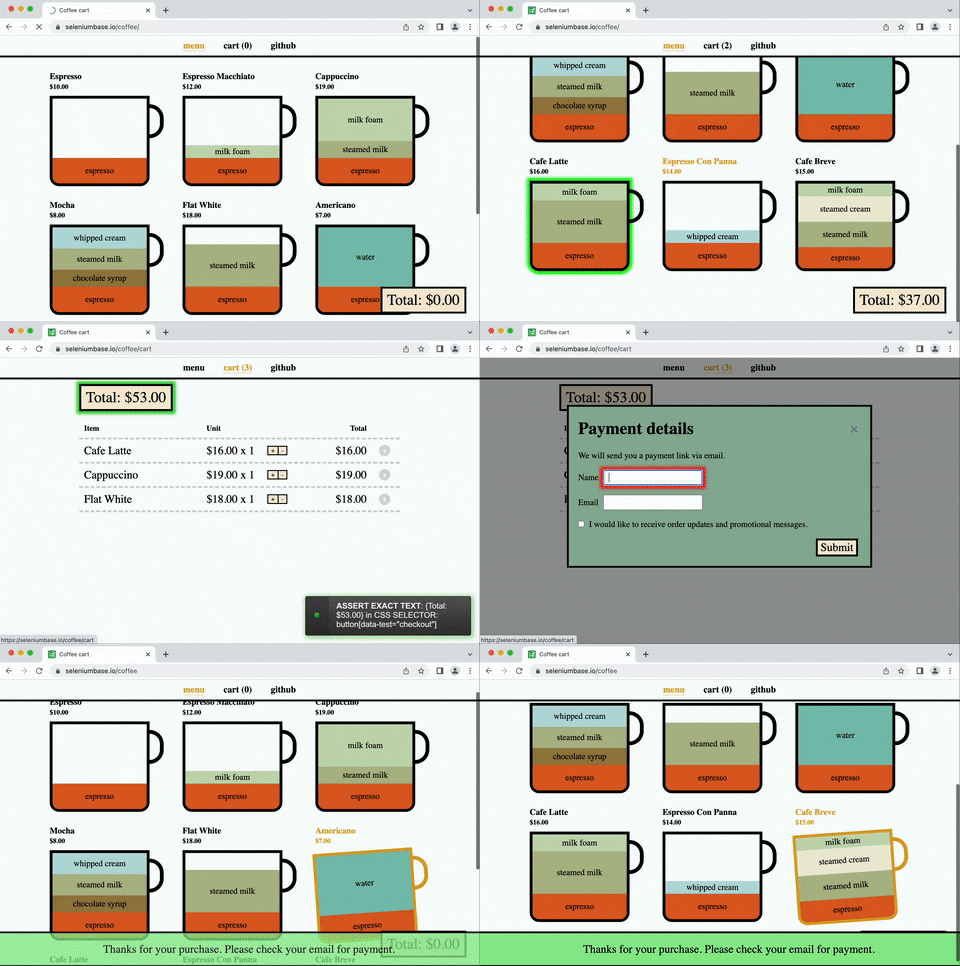
Run a Wordle-solver example:
pytest wordle_test.py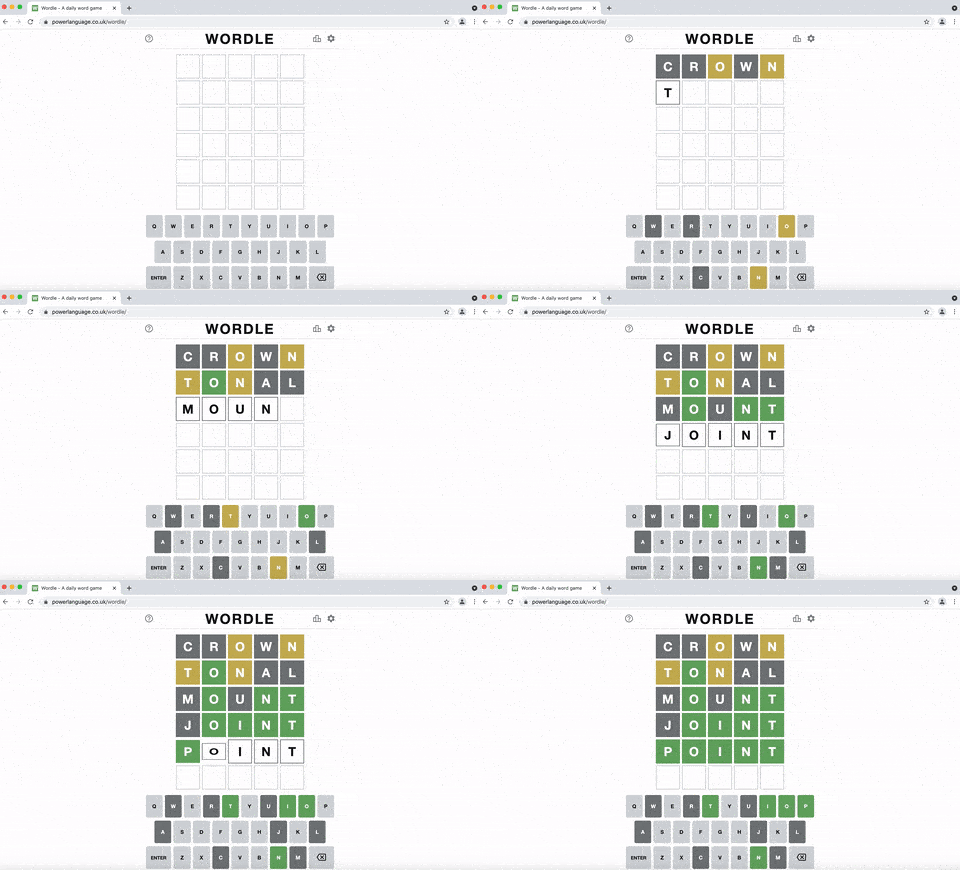
Run an example test in --headless mode: (invisible browser)
pytest my_first_test.py --headlessRun an example test using Chrome's mobile device emulator: (default settings)
pytest test_swag_labs.py --mobile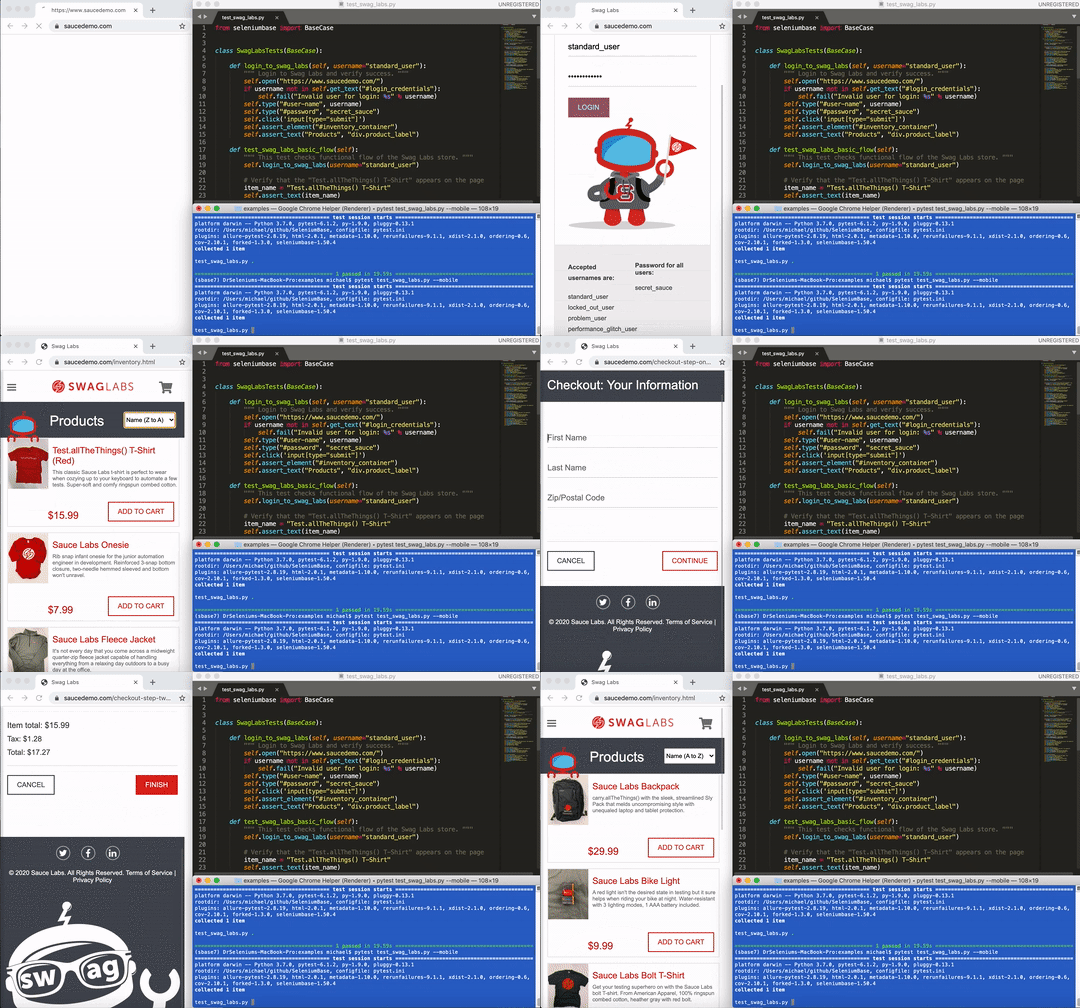
Run an example test in --demo mode: (highlight assertions)
pytest test_xkcd.py --demo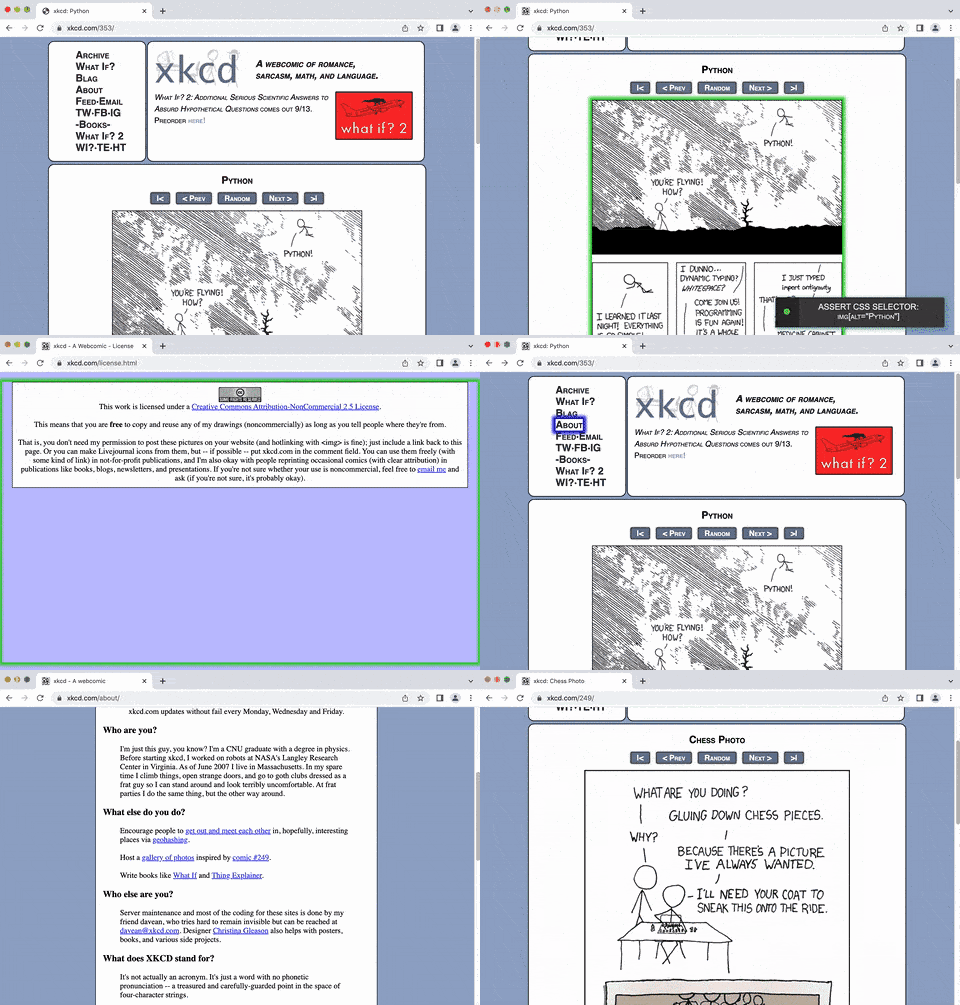
Run a test suite with verbose output: (see more details)
pytest test_suite.py -vRun a test suite using multiple parallel processes (-n=NUM):
pytest test_suite.py -n=8Run a parameterized test: (Generates multiple tests from one)
pytest parameterized_test.py -vRun a test suite and generate a SeleniumBase Dashboard:
pytest test_suite.py --dashboardRun a test suite and generate a pytest report:
pytest test_suite.py --html=report.htmlRun a failing test: (See the latest_logs/ folder for logs and screenshots)
pytest test_fail.pyRun a failing test that activates pdb debug mode on failure:
pytest test_fail.py --pdb -s(
pdbcommands:n,c,s,u,d=>next,continue,step,up,down)
Run a test suite that demonstrates the use of pytest markers:
pytest -m marker_test_suite -vRun a test suite that reuses the browser session between tests:
pytest test_suite.py --rsRun an example test demonstrating the rate_limited Python decorator:
pytest rate_limiting_test.pyRun an example test that demonstrates how to upload a file to a website:
pytest upload_file_test.py🎖️ SeleniumBase Commander is a GUI for pytest:
sbase gui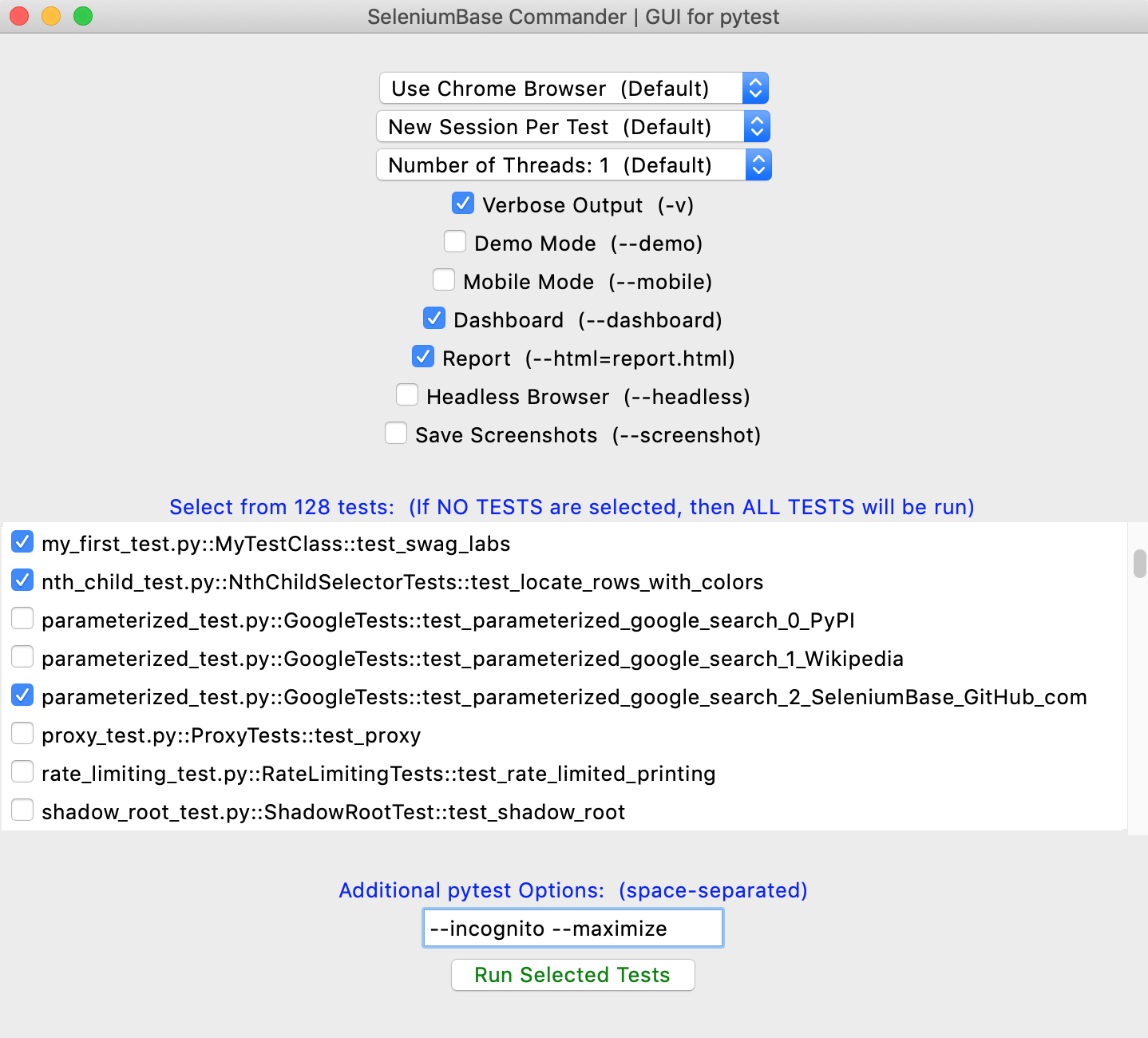
SeleniumBase tests can also be run with pynose:
pynose my_first_test.pyRun an example test suite and generate a pynose test report:
pynose test_suite.py --report --show-reportRun an example test using a pynose configuration file:
pynose my_first_test.py --config=example_config.cfgFor more advanced run commands, such as using a proxy server, see ../help_docs/customizing_test_runs.md
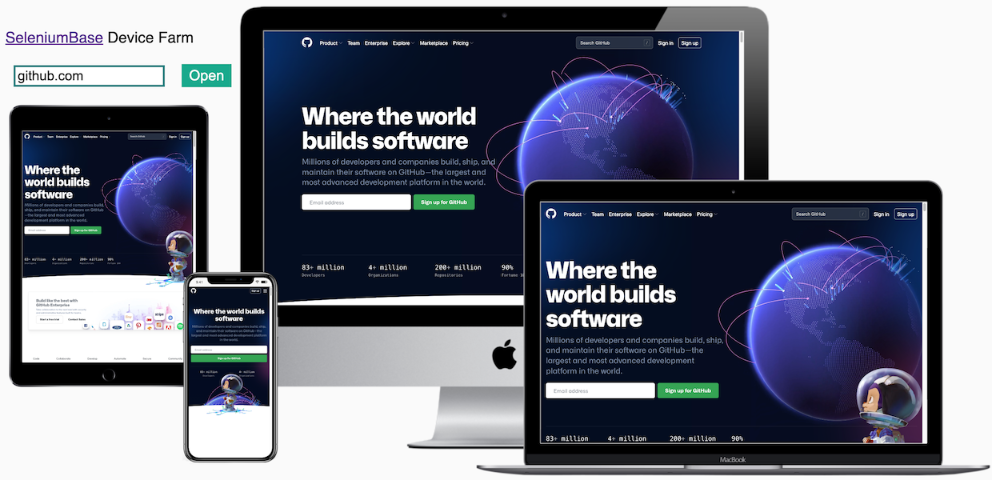
If you just need to perform some quick website verification on various devices, you can use the SeleniumBase Device Farm. Just plug in a website URL, and it will display how the website looks on four different devices:
To make things easier, here's a simple GUI program that allows you to run a few example tests by pressing a button:
python gui_test_runner.py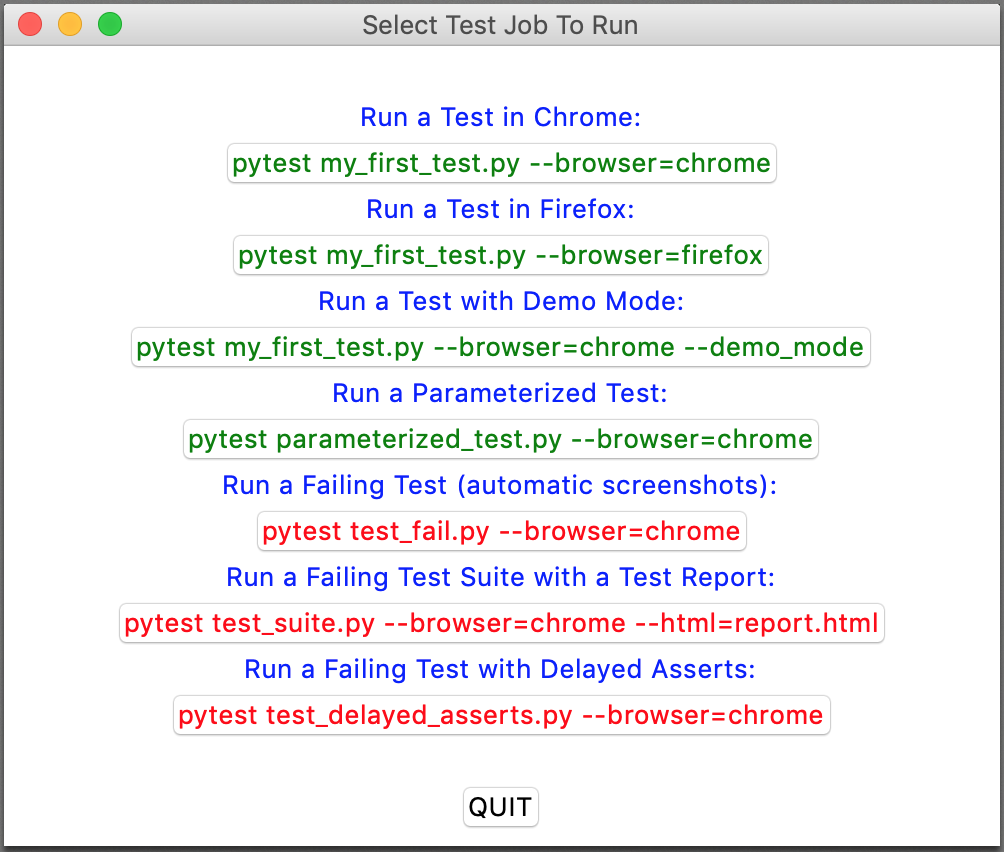
(The newer SeleniumBase Commander improves on that.)

Ask questions. Find answers. Learn how to automate!

