- Create a self signed SSL cert on macOS (stored in /certs)
- Trust the certificate in the macOS Keychain.
- Add/remove a vhost in /etc/hosts (nicedomain.local in this example)
./setup.sh to do everything above in order.
Note: Change to your own domain in
create-cert.shandtrust-cert.sh
- Using docker-compose as a simple example and nginx-proxy for exposing both port 80 and 443 (optional)
docker-compose up to start
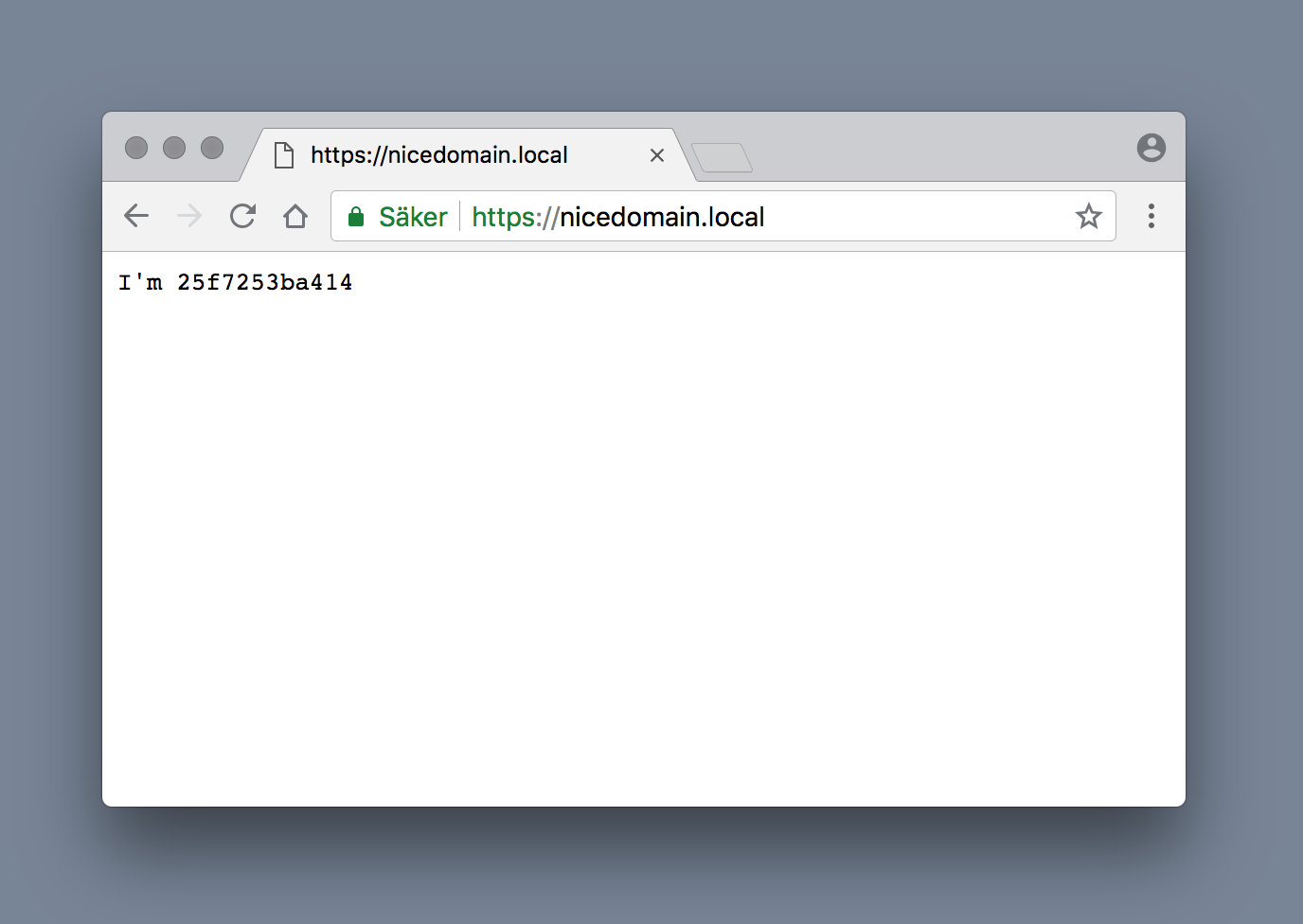
The cert will work in Chrome and Safari. Firefox doesn't trust certs in macOS Keychain any longer, since it is using it's own Certificate Manger. Import certs in Tools > Options > Advanced > Certificates: View Certificates